


Don’t Delay Zero Trust! There’s Too Much at Stake.
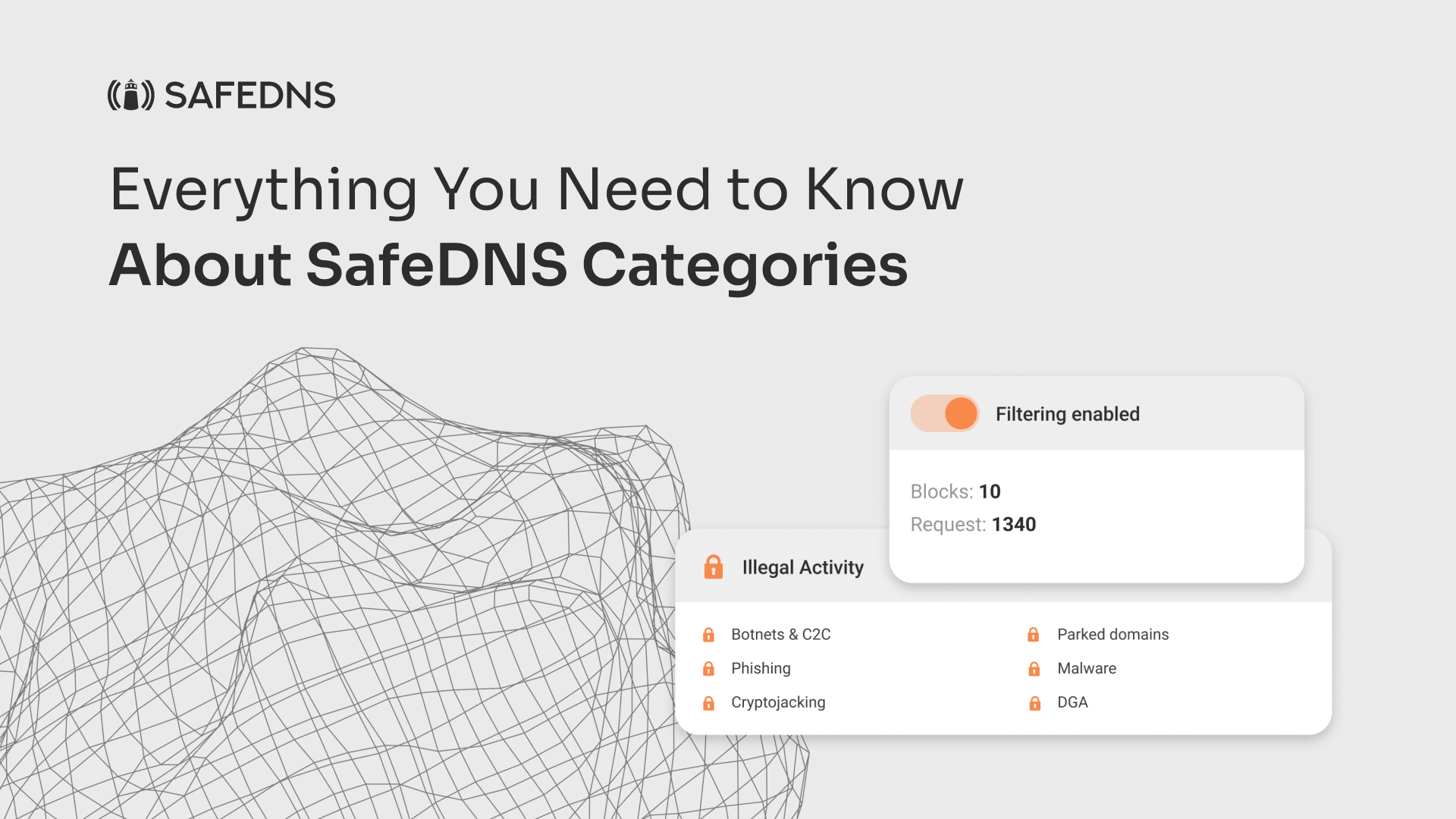
So, how exactly do SafeDNS Categories work? Basically, when you try to access a website, SafeDNS checks its URL against its database of categorized websites. If the website falls into a blocked category, access is denied. If it’s in an allowed category, access is granted. Simple, right? SafeDNS Categories are super handy, especially when it comes to controlling internet access in a safe and secure way.
SafeDNS Categories and the Allow/Denylist:
Another great feature of SafeDNS is the Allow/Denylist. This is a list of websites that are either explicitly allowed or blocked, regardless of their category. SafeDNS Categories and the Allow/Denylist work together to provide granular control over website access. SafeDNS Categories do not override the Allow/Denylist.
How the Allowlist Only Feature Works:
The Allowlist only feature is a setting in SafeDNS that allows you to block all websites except for those that are explicitly listed on the Allowlist. This is perfect for organizations that want to restrict website access to only a select few sites. You can be sure that your employees or students are only accessing the websites that you’ve deemed appropriate.
How Force Safe Search and Force Restricted Mode for Youtube Work:
SafeDNS offers a Safe Search feature that filters out any explicit content from search results on popular search engines such as Google, Bing, and Yandex. This ensures that your employees or students are not exposed to inappropriate content while browsing the web. In addition, SafeDNS offers a Restricted Mode feature for YouTube, which filters out any age-inappropriate videos on the platform. With these powerful features, you can ensure a safe and secure browsing experience for your users, and have peace of mind knowing that your organization’s web filtering policies are being enforced.
SafeDNS Categories are a powerful tool for controlling internet access and enforcing company policies. With SafeDNS Categories, the Allow/Denylist, Allowlist only setting, Safe Search, and Restricted Mode for Youtube, you can customize your web filtering settings to meet your organization’s specific needs. SafeDNS is a great way to ensure a safe and secure internet environment for your employees or students.