ESET Research: Winter Vivern attacks Roundcube webmail servers of governments in Europe through zero-day vulnerability
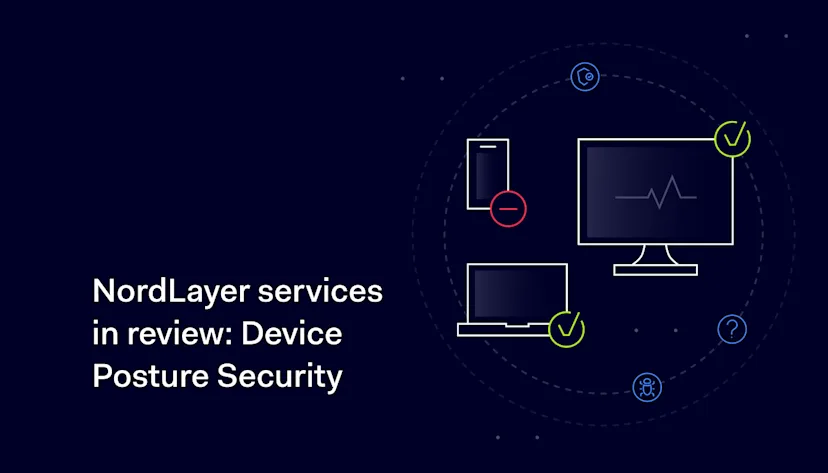
Mobility and device versatility make business digital possibilities nearly endless. However, overcoming one technical or security challenge means another will soon emerge. Just like enabling secure remote user access to the company network raises another issue for IT administrators — how to ensure only compliant devices enter the network?
Customized internal policies must be synced with the organization’s business model and sensitive data levels. Specific rules define how identities are managed to access the company network; on another security level, they are redistributed to access unrestricted resources.
In this process, the absent layer of security guarantees entering devices match the set organization’s security criteria to prevent potential security breaches. Companies can address this challenge by adopting Zero Trust Network Access-based endpoint controls.
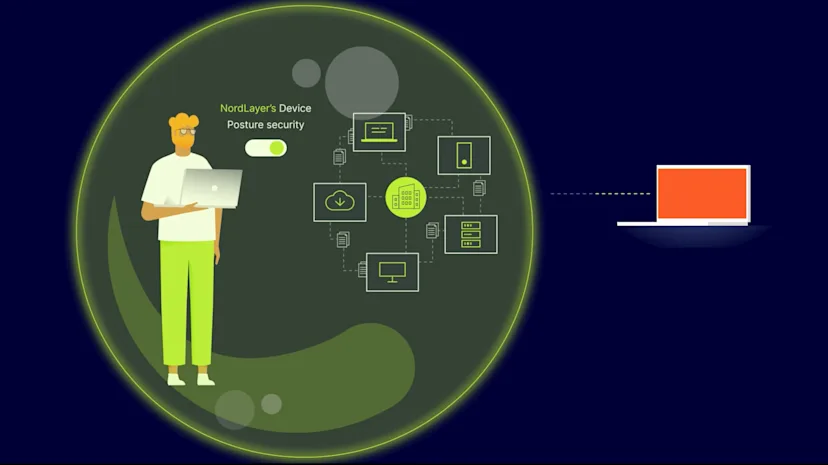
A service like Device Posture Security provides a comprehensive solution for organizations looking to bolster their security. By monitoring – and, if required, blocking – devices that connect to the company network, organizations can mitigate risk levels of exposing sensitive information to dangerous scenarios.
Device Posture Security using NordLayer
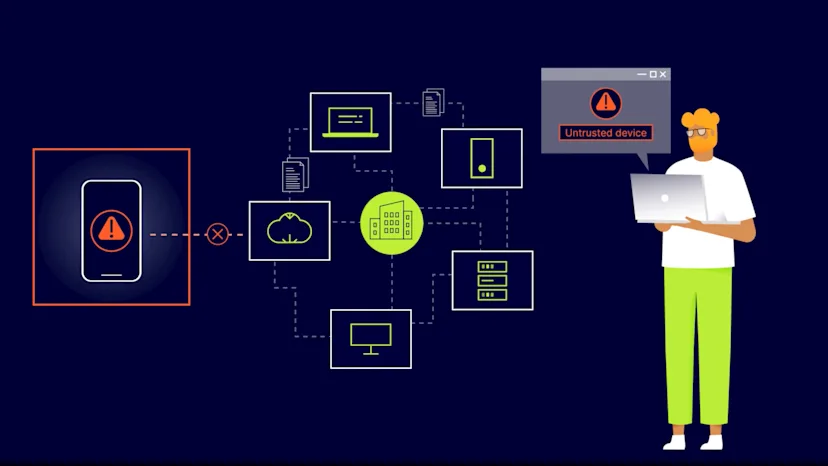
NordLayer’s Device Posture Security service is based on the ZTNA security model, meaning that all devices are treated as untrusted until they can prove trustworthy.
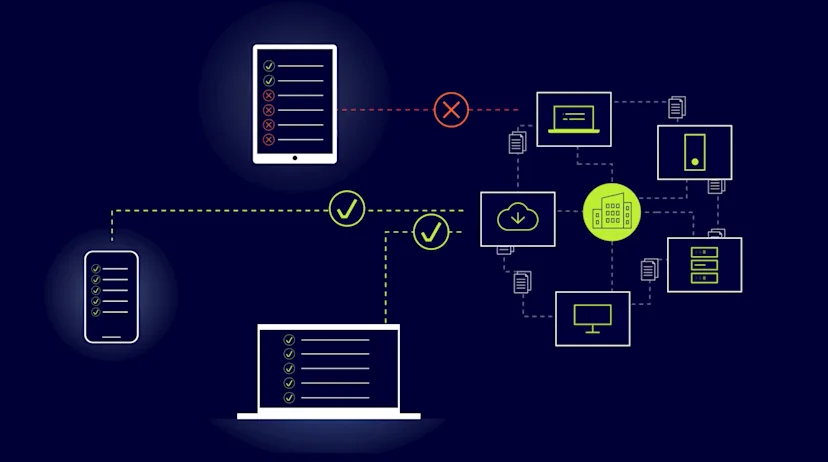
This approach ensures that organizations have complete visibility and control over the devices connecting to their network.
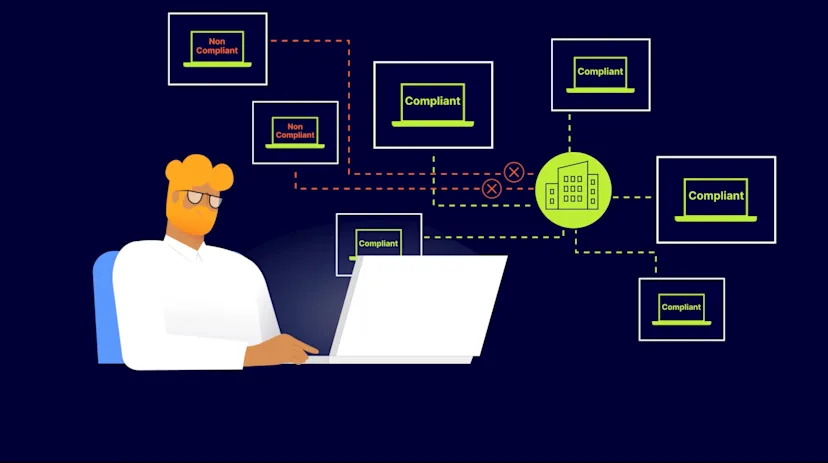
The Device Posture Security functionality helps monitor who connects to the company network according to predefined rules and enables non-compliant device blocking capability to meet ZTNA requirements.
Primarily, NordLayer-introduced Device Posture Security service allowed monitoring network-entering devices. Now the technology is enhanced with blocking functionality that enables network administrators to take action once a non-compliant device is detected.
How does NordLayer’s Device Posture Security service work?
The cloud-based service monitors all devices with an installed/running NordLayer application.
Device Posture Security allows organization admins to perform several actions for more accurate and extensive network supervision:
The service qualifies admins to get notified about new devices entering the network and lets to identify them
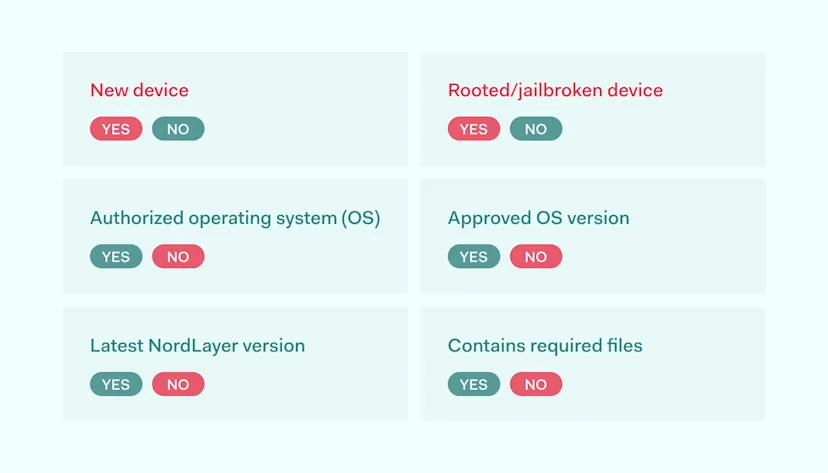
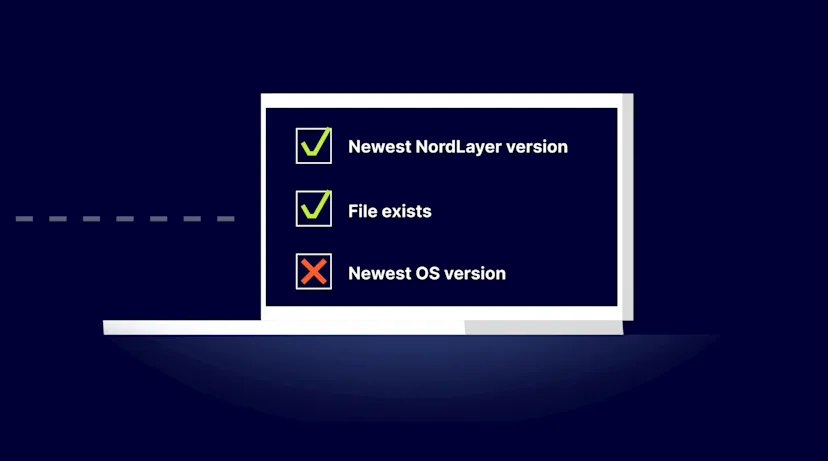
Inspect if the compatible operating system (OS) of every entering device is used, and check its version against the supported OSs’ list
Verify the newest NordLayer application version is utilized
Scan organization-enlisted devices to see if they contain an admin-installed file that allows determining corporate devices from personal ones
Browse a History tab with the logged activity of all connected devices for investigation and auditing network activity
More in-depth information allows for following the internal procedures to enforce OS or application updates to ensure the most recent patches and bug fixes are in place.
The Device Posture Security service helps close potential security gaps by checking if the device is not jailbroken/rooted or doesn’t miss an organization-enrolled file. If the device doesn’t comply, admins can disconnect it from the network to protect it.
How NordLayer’s Device Posture Security is different?
NordLayer’s Device Security Posture contains two capabilities. Until the latest service upgrade, it was dedicated only to device posture monitoring. The full composition of the service now offers monitoring and device account-blocking capability functions.
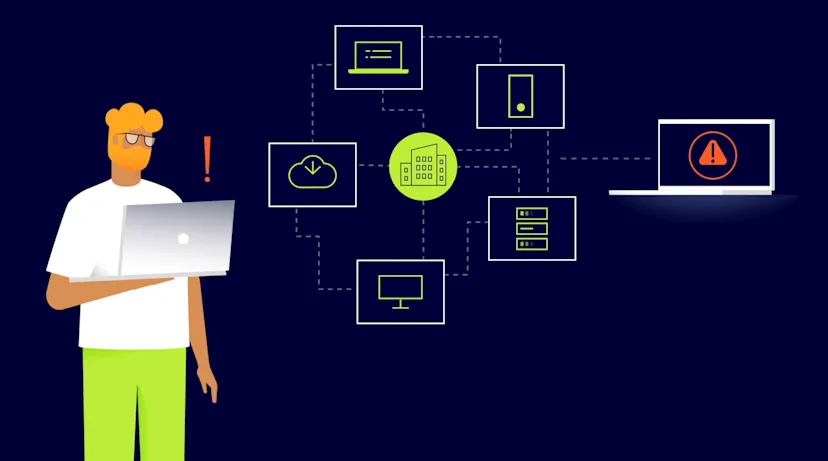
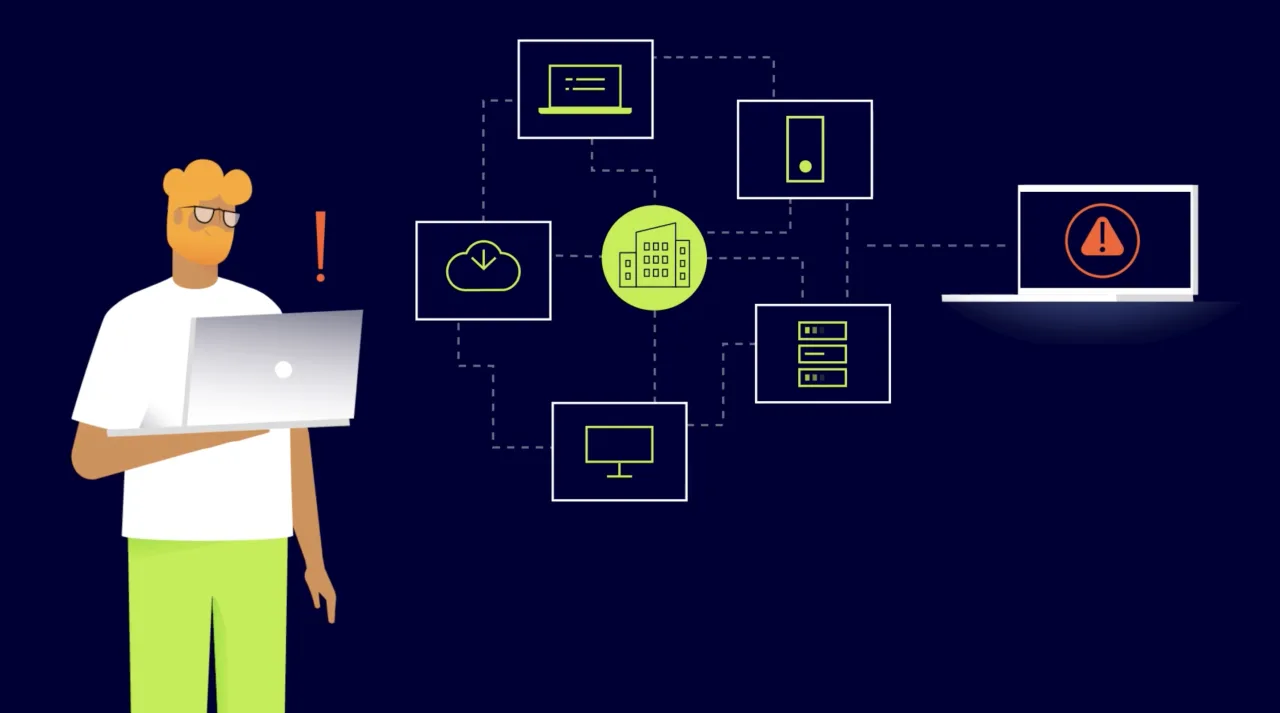
The ability to monitor and allow only trusted devices to access digital company resources helps adopt the ZTNA approach, allowing organizations to enjoy peace of mind knowing that all devices connecting to their network meet their security standards.
Only trusted devices are permitted. Device Posture Security enables organization administrators to verify every device within the network separately, whether it’s a known endpoint. If the device is unrecognized, an alert is triggered for the admin to review if it complies with company security policy requirements.
Use of allowlisted operating systems. The NordLayer application is available on Windows, macOS, and Linux operating systems. However, a company can only settle to work with one OS, like macOS. Thus, the service will notify the system if a user tries to use a device with any other but enabled OS.
Ensuring utilized OS versions are up-to-date. Due to security patching requirements, companies can define a threshold by which OS versions comply with internal policies. Therefore, if the system detects an outdated operating system version that deviates from set rules, it informs the administrator to take relevant action.
Establishing the use of the latest NordLayer app version. Following NordLayer’s Release Notes, IT managers can see the latest information about new and essential feature launches that apply to the most recent application version.
Existing File check. Administrators can store a specific file that labels the device as approved to log and recognize corporate devices. This action distinguishes corporate-approved devices from personal ones, even if they consist of the same operating system and version.
To ensure organization members use the latest app version, the admin must create a Device Posture Security profile with the desired NordLayer version to determine who should update the app.
NordLayer’s Device Posture Security offering builds a practical, security-by-design-based approach to business network protection. Thus, the service allows close supervision of endpoints within the network if they are up-to-date as required. Automated device inspection helps prevent overlooked security gaps whether the organization has only a dozen or a few hundred users.
Benefits of Device Posture Security
Regular check-ups of in-network operating devices establish a threat prevention-based approach to internal compliance management. The service enables organization network admins to act more centrally, define the scope of the rules, and maintain high security levels without spending long hours or hiring a squad to carry out such tasks.
Enforcing rules centrally
Created security policies can be enforced in a matter of moments for the full-scale organization within a few mouse clicks.